

Smart home hub integration is the cornerstone of a reliable, scalable smart home—especially as Matter, Google, Alexa, HomeKit, Z-Wave, Zigbee, and Thread crash together in real homes. This guide skips the marketing and delivers practical, migration-first advice to unify your devices, avoid vendor lock-in, and build a smart home that actually works in 2026 and beyond.
Key Takeaways
- Matter is transforming smart home hub integration by enabling device interoperability and reducing platform lock-in. However, limitations and gaps still exist.
- Your choice of hub should match your top priority: privacy (Apple HomeKit), compatibility (Alexa/SmartThings), or advanced automation (Google Home).
- Planning for migration, device protocol mapping, and local control options helps prevent automation failures and future headaches.
- TL;DR — Which hub to pick in 2026 (quick recommendation)
- Market snapshot — adoption, growth and what it means for buyers
- Why Matter matters — the single biggest change
- Platform comparison — Google Home vs Amazon Alexa vs Apple HomeKit
- Protocols & compatibility — what to check on device tags
- The most common user complaints (and how to avoid them)
- Setup checklist for beginners — network, placement, device mapping and testing
- Troubleshooting & automation hardening — stop brittle scenes
- Best smart home devices 2026 (lighting, locks, thermostats, cameras) — cross‑platform picks
- Migration & future‑proofing — moving between ecosystems
- Final recommendation & buying decision matrix
- FAQ
TL;DR — Which hub to pick in 2026 (quick recommendation)
Choosing the best smart home hub for 2026 comes down to your priorities, not brand hype. If privacy is non‑negotiable and you’re an iPhone household, pick Apple HomePod Mini (HomeKit/Matter) as your core; for device compatibility and flexible routines, Amazon Echo or SmartThings Station Edge/Matter hubs are unmatched. Power users should consider Google Nest for automation smarts. If you want maximum vendor-mix longevity, select a Matter-certified hub like SmartThings Station or Home Assistant Yellow. Amazon leads with about one-third of all hub installs, Google follows with 28-30%, and Apple owns 12-15%. Best-for picks: HomeKit for privacy, Alexa for compatibility, Google for automations, SmartThings or Home Assistant for mixed/migration scenarios.
Market snapshot — adoption, growth and what it means for buyers
By 2026, roughly 45% of North American homes and 38% of global households have installed at least one smart¬home hub. The global smart home hub market was worth US$12.5B in 2024 and is projected to hit US$31.6B by 2032 at a ~12% CAGR, keeping pace with the surge in connected home devices (source). Amazon Alexa dominates with about one-third of installed bases, reflecting its huge device library. For buyers, this means more device choices and mature ecosystems but also an increased need to verify compatibility before purchases. High adoption rates support robust communities, updates, and vendor incentives, but also signal growing industry pains like device fragmentation and cloud dependency.
Why Matter matters — the single biggest change
Matter, the new universal protocol, acts as the backbone for smart home hub integration by letting devices work together across Google, Alexa, Apple, and SmartThings. It sharply cuts vendor lock‑in and means most new lights, locks, plugs, and sensors will be unified under one app—if the hub supports Matter. Today, Matter-certified hubs are about 20% of new installs and are the fastest-growing segment (source). Real-world limitations include: incomplete feature parity (i.e. advanced camera/lock functions might not port over), buggy first-generation firmware, and ongoing gaps for protocol bridges. Expect rapid improvements, but always check that both your device and hub list official Matter support—not just “coming soon.”

Platform comparison — Google Home vs Amazon Alexa vs Apple HomeKit (and SmartThings/Matter hubs)
Each hub ecosystem brings a different set of strengths:
| Platform | Strength | Weakness | Best For | Device Examples |
|---|---|---|---|---|
| Amazon Alexa | Broadest 100,000+ device compatibility, skills, affordable Echo hubs | Cloud reliant, weaker privacy, basic automations | Largest device library, flexible routines | Echo 5/8/Show, Ring Alarm, SmartThings Station |
| Google Home | Best AI/contextual automations, natural language routines | Cloud only, privacy varies, fewer unique hardware integrates | Advanced routines, Android/Pixel homes | Google Nest Hub Max, Nest Mini, Nest Wifi Pro |
| Apple HomeKit | Strongest local control, encryption/privacy, seamless for iOS | Limited device selection, higher prices | Privacy-focused, iPhone/iPad users | HomePod Mini, Apple TV 4K, Eve devices |
| SmartThings/Matter | Abstracts device types, ties in bridges, great for mixed brands | Learning curve, bridge/device management complexity | Power users, anticipating migration/growth | SmartThings Station, Aeotec Hub, Home Assistant Yellow |
Amazon Alexa maintains the biggest market share, but Google Home is catching up in automation intelligence. Apple HomeKit remains the strongest play if all users have iPhones and privacy is paramount (source).
Protocols & compatibility — what to check on device tags
Smart devices can run on Zigbee, Zigbee and Z-Wave, Thread, Wi-Fi, BLE, or Matter. Most hubs support only a subset without external bridges/adapters. Zigbee and Z-Wave need a hub or USB stick; Thread and Matter increasingly run natively on modern hubs (HomePod Mini, Nest Hub 2, Echo 4th Gen). Wi-Fi and Bluetooth are common for plugs, cameras, locks, and lights, but cloud-reliant unless paired with a Matter hub. Ignore “Works with Alexa/Google/HomeKit” stickers—true smart home hub compatibility is local control and multi-platform Matter/tag support. By 2026, most premium devices will list official Matter and Thread support—future-proof and essential for ecosystem migration (source).
The most common user complaints (and how to avoid them)
Top frustrations: devices that “should work” but don’t, failed automations, cloud outages disabling key functions, unfamiliar apps for different brands, and devices that stop working after firmware updates. Interoperability and security/privacy are ongoing issues, especially mixing new Matter devices with legacy Zigbee/Z-Wave/brand-specific products. Selecting a hub with local processing (HomeKit, Home Assistant) reduces pain. Avoid half‑broken routines by mapping all devices and protocols up front, favoring brands supporting firmware updates, and documenting automations so you can rebuild if forced to migrate hubs. See also the growing need for home battery backup as more smart devices rely on your home’s power and Wi-Fi/mesh uptime.
Setup checklist for beginners — network, placement, device mapping and testing
To unify a mixed-brand smart home:
- Inventory devices. List all smart devices by brand, age, wireless protocol. Note “Works with Matter,” Zigbee, Z-Wave, Thread, Wi-Fi, BLE, HomeKit.
- Upgrade your network. Ensure solid mesh Wi-Fi coverage—many devices need low-latency, 2.4GHz support, and sometimes a strong backup Internet plan (especially if automations or camera feeds run in the cloud).
- Pick your hub. Aim for a Matter-capable hub; if not possible, choose a platform with the widest native compatibility for your devices and add bridges/adapters as needed (SmartThings for most, HomeKit for Apple users, Google for AI routines).
- Segregate IoT devices. Place all smart devices on a separate VLAN or guest Wi-Fi for security and easier troubleshooting.
- Device naming and rooms. Standardize device names by room/function (e.g., “Kitchen Motion,” “Office Lamp”) to avoid confusion in your controller apps and automation triggers.
- Create/test automations. Build simple automations before layering advanced routines. Test everything and document fallback rules (e.g., manual wall switches for lights).
- Backup and redundancy. Wherever possible, export automation settings or build redundant routines—so you can restore after outages/firmware changes (see also our heat pump water heater guide for home resilience strategies).
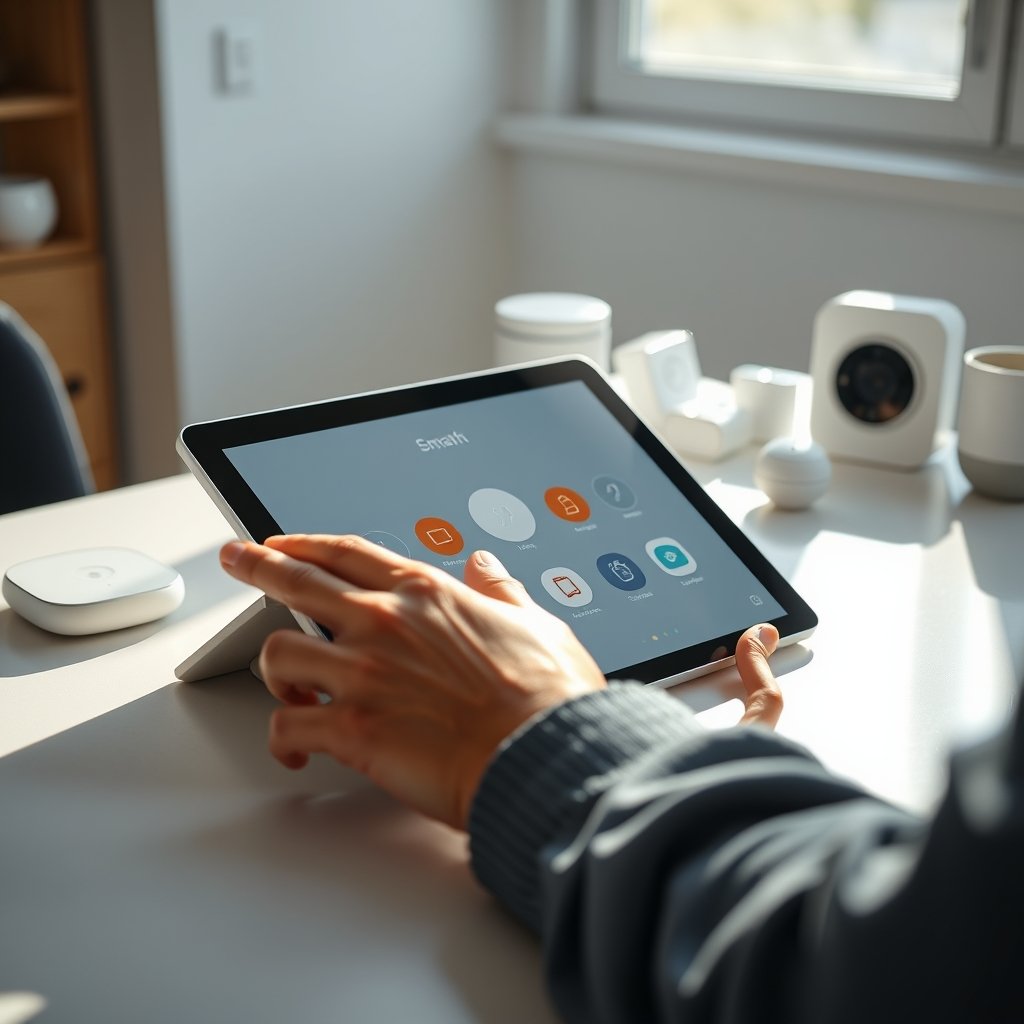
Remember: nearly half of North American homes have a smart hub by 2026, so device support and troubleshooting info is easier than ever to find. For other complex home upgrades—like spray foam insulation or EV charger installs—planning and documentation is just as critical.
Troubleshooting & automation hardening — stop brittle scenes
Failed automations and “brittle scenes” waste time and kill trust in your tech. These steps help:
- Favor local processing. Use hubs (HomeKit, Home Assistant) that run automations locally, even when the Internet is down.
- Limit chained triggers. Long chains break with a single failure point; test and log automation outputs routinely.
- Timeouts and fallback rules. Automate with “if-no-response-then” logic for critical routines (e.g., door relock if sensor fails to confirm).
- Schedule firmware reviews. Don’t update production hubs and devices blindly—wait for bug reports to surface in user forums.
- Monitor with logs or apps. SmartThings, Home Assistant, and Alexa Developer Console allow you to check failed triggers and optimize over time.
- Use hybrid architectures. Combine cloud and local controllers or run a Home Assistant Pi as backup to keep lights, locks, and climate running if your primary hub or Internet link fails.
Industry findings confirm: interoperability and compatibility are the main choke points. A local, hybrid, or multi‑hub setup adds resilience and flexibility for future protocol shifts. Applying these tactics ensures your system won’t break when a vendor update rolls out. For a truly robust home, consider pairing with a code-compliant egress solution in finished basements—resilience isn’t just for smart tech.

Best smart home devices 2026 (lighting, locks, thermostats, cameras) — cross‑platform picks
Top devices to choose for a unified smart home in 2026 prioritize official Matter protocol smart home support or act as multi‑protocol bridges:
- Lighting: Philips Hue (w/ Matter Bridge), Nanoleaf Essentials (Thread/Matter), LIFX (Wi-Fi/Matter). All function well with Alexa, Google, and HomeKit.
- Locks: Yale Assure 2 (Matter-ready), Schlage Encode Plus (HomeKit/Alexa/Matter), Level Lock+ (Apple/Matter with recent firmware).
- Thermostats: Ecobee Smart Thermostat Premium (Matter via update), Google Nest (now promising Matter support), Honeywell T9 (multi-platform bridge).
- Cameras: Arlo Pro 5S (multi-hub), Eve Cam (HomeKit Secure Video), Google Nest Cam (outdoor and indoor, moving toward Matter integration).
To maximize cross-hub longevity, buy new devices tagged as “Matter” or Thread-native. For legacy gear, use SmartThings or Home Assistant as a bridge. Tie devices into routines using native automations, but always cross-check firmware and support matrices before purchase—the ecosystem is still evolving. See our ventless washer dryer combo guide for a similar device-by-device decision framework.
Migration & futureproofing — moving between ecosystems
Switching hubs or mixing platforms is less painful than before if you plan around Matter protocol smart home upgrades. For partial migration, add a bridge (e.g., SmartThings/Matter hub or Home Assistant Yellow) that can interface with all major brands. For a complete migration, systematically unpair/re-pair each device following up-to-date guides and check for automation export/import features to preserve scenes. In many cases, waiting 3–6 months for a planned Matter firmware update reduces duplicate work. Advanced buyers run SmartThings/Home Assistant as secondary abstraction hubs, letting you phase devices and automations over time. Device mapping and protocol notes are essential—mirroring best practices from complex flooring or wiring upgrades.
Final recommendation & buying decision matrix (privacy, compatibility, AI, and mixed)
Here’s a quick reference for picking the best smart home hub 2026 based on your scenario. Market share context: Amazon ≈33%, Google ≈28–30%, Apple ≈12–15%, Matter/Multi-protocol ≈20% of new installs and growing rapidly (source).
| Scenario | Recommended Hub(s) | Caveats / Notes |
|---|---|---|
| Privacy-first household | Apple HomePod Mini, HomeKit + Matter | Fewer compatible devices, higher prices |
| Largest device compatibility | Amazon Echo (latest), SmartThings Station | Cloud reliance; SmartThings adds Z‑Wave/Zigbee bridging |
| Advanced AI automation | Google Nest Hub (2nd Gen or newer) | Some features require a Google account/cloud |
| Mixed-platform, frequent upgrades | SmartThings Station, Home Assistant Yellow | Some setup complexity; huge flexibility for migration |
For price-to-value, entry Matter hubs (Amazon Echo, Apple HomePod Mini, SmartThings Station) run $100–$200. Power-user platforms (Home Assistant Yellow, advanced Aeotec/SmartThings) cost $150–$250 but are best for long-term migration and scale. Always confirm your must-have devices are truly compatible via Matter or natively before buying.
Quick FAQ
Will Matter break my existing smart home setup?
No, but Matter support can be spotty at launch. Devices that aren’t upgraded may require separate bridges or only partial features until firmware updates land. Always check official hub compatibility charts.
Can I mix HomeKit and Alexa devices on the same network?
Yes, especially if devices are Matter-certified. Many new smart lights, locks, and plugs work across Apple, Google, and Alexa platforms simultaneously. Legacy devices may still need brand-specific bridges.
Which hubs run automations locally without the cloud?
Apple HomeKit, Home Assistant, and certain SmartThings configurations support local execution. Google and Alexa rely mainly on the cloud for routines; backup is limited if Internet drops.
Do I need a hub for every wireless protocol?
Not anymore. Most modern hubs support Matter, which bridges Thread, Zigbee, Wi-Fi, and some Z-Wave. You’ll still need protocol adapters for true legacy devices (pre-2022), but future devices increasingly use Matter for cross-platform use.
How do I backup or export my automations?
Some hubs (Home Assistant, SmartThings) let you export/backup automations and device maps. For Alexa, Google, and HomeKit, take screenshots and document setup, as native export is limited.